
Microsoft Outlook: Open Other/Shared Mailbox
If you use your Outlook email to connect to shared mailboxes (e.g. departmental email addresses), please follow these instructions.
1 - Open a web browswer
2 - log into outlook.office.com
3 - Click your profile (Top Right) and select "Open Other Mailbox"
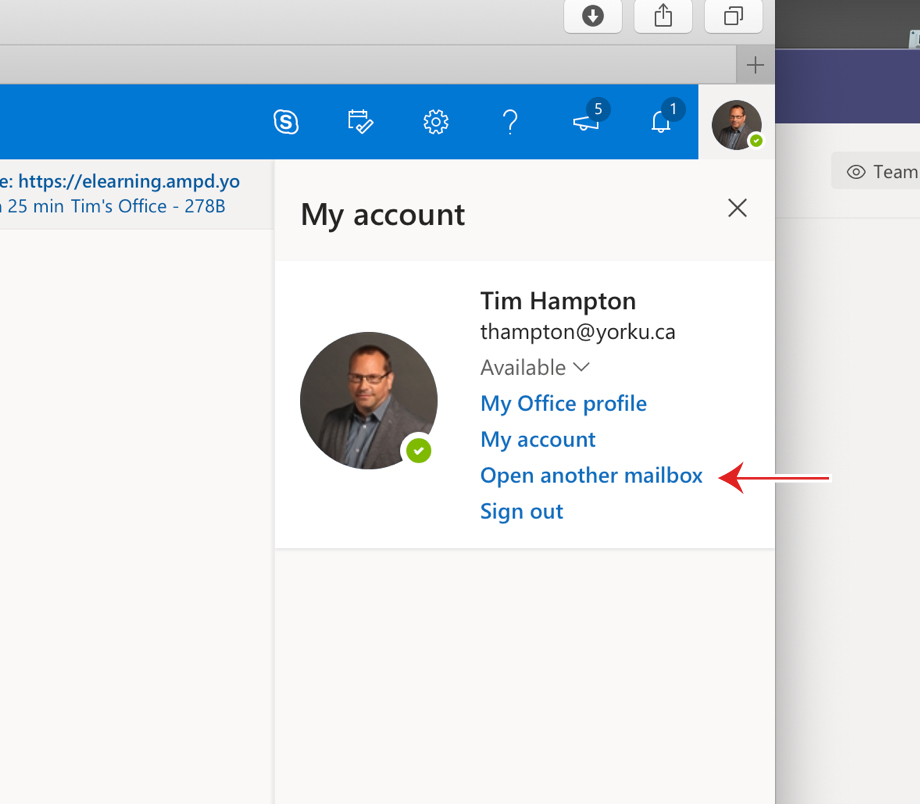
4 - Type in email address and click "Open"